

1 / 5
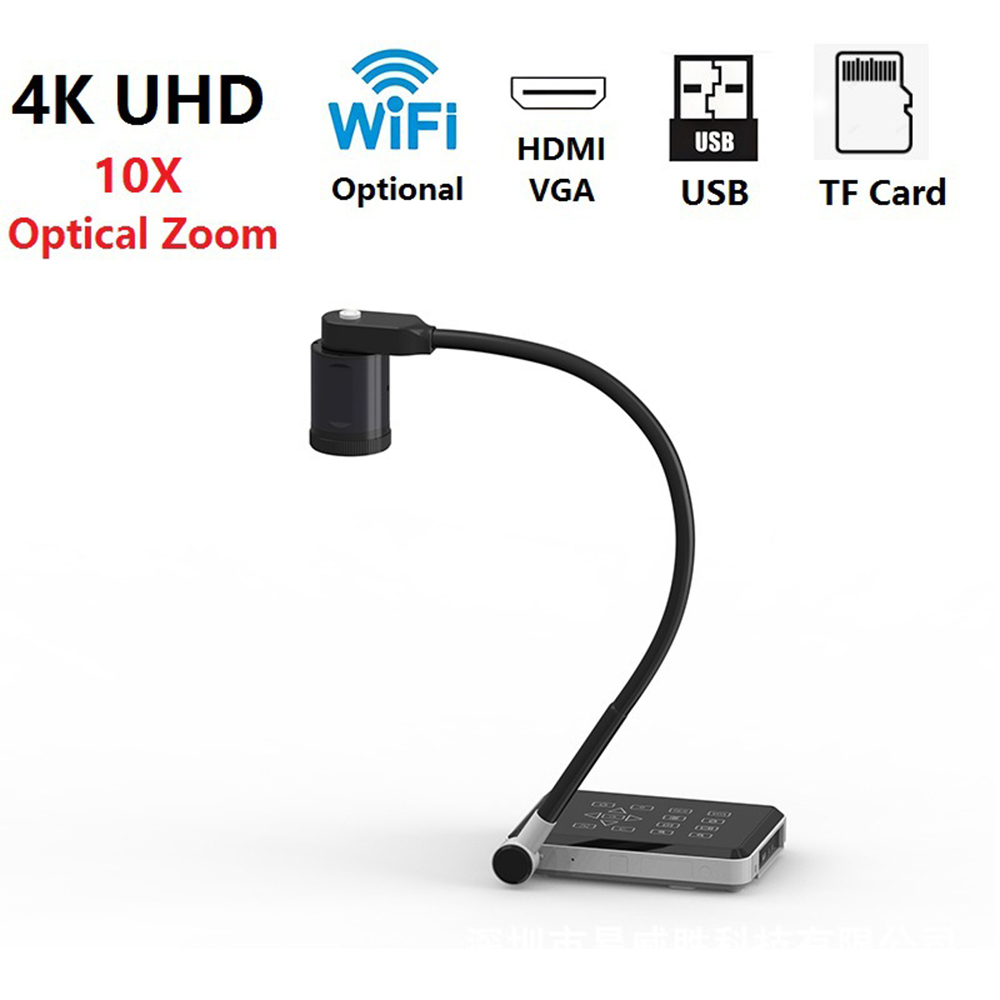

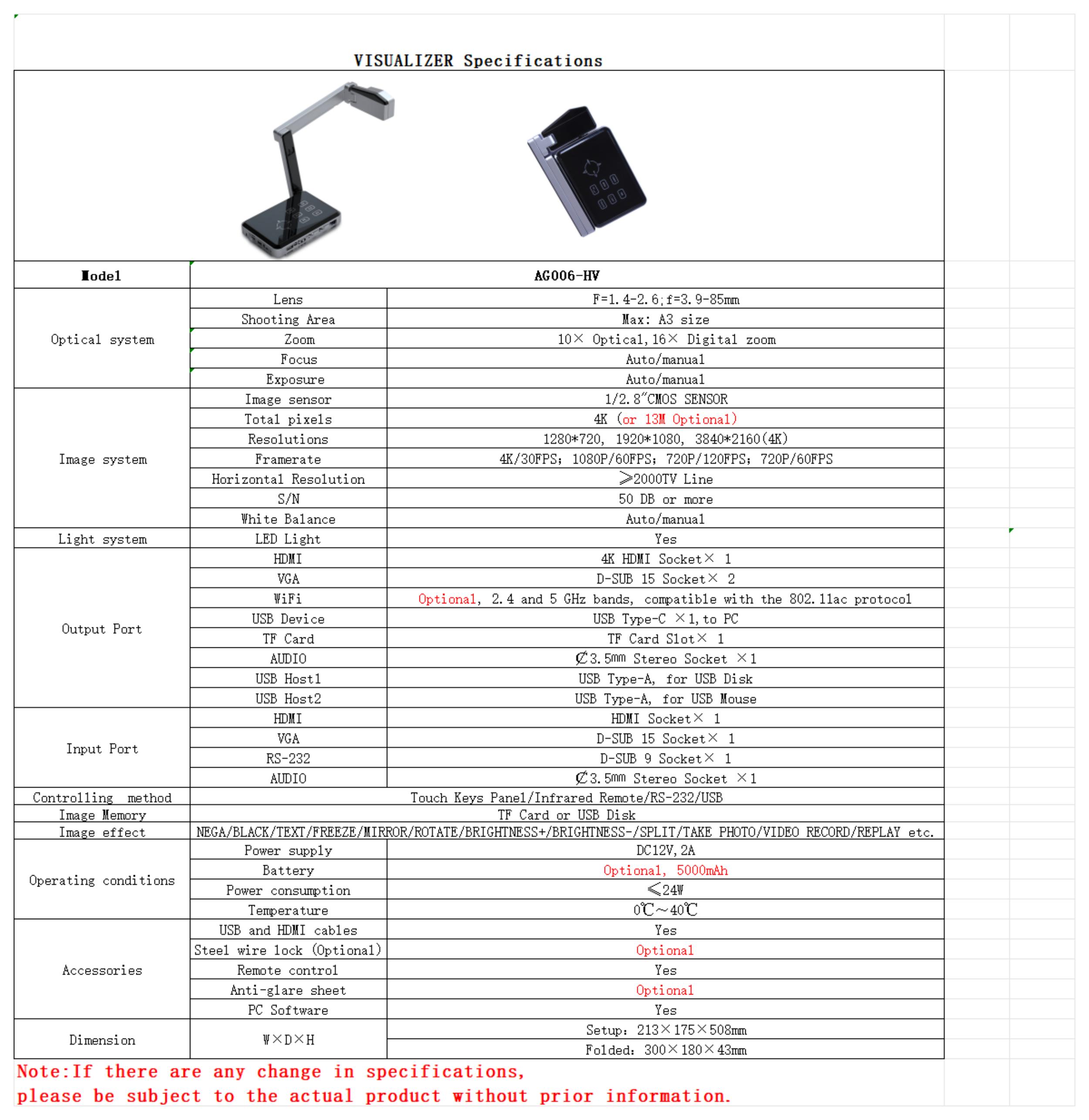
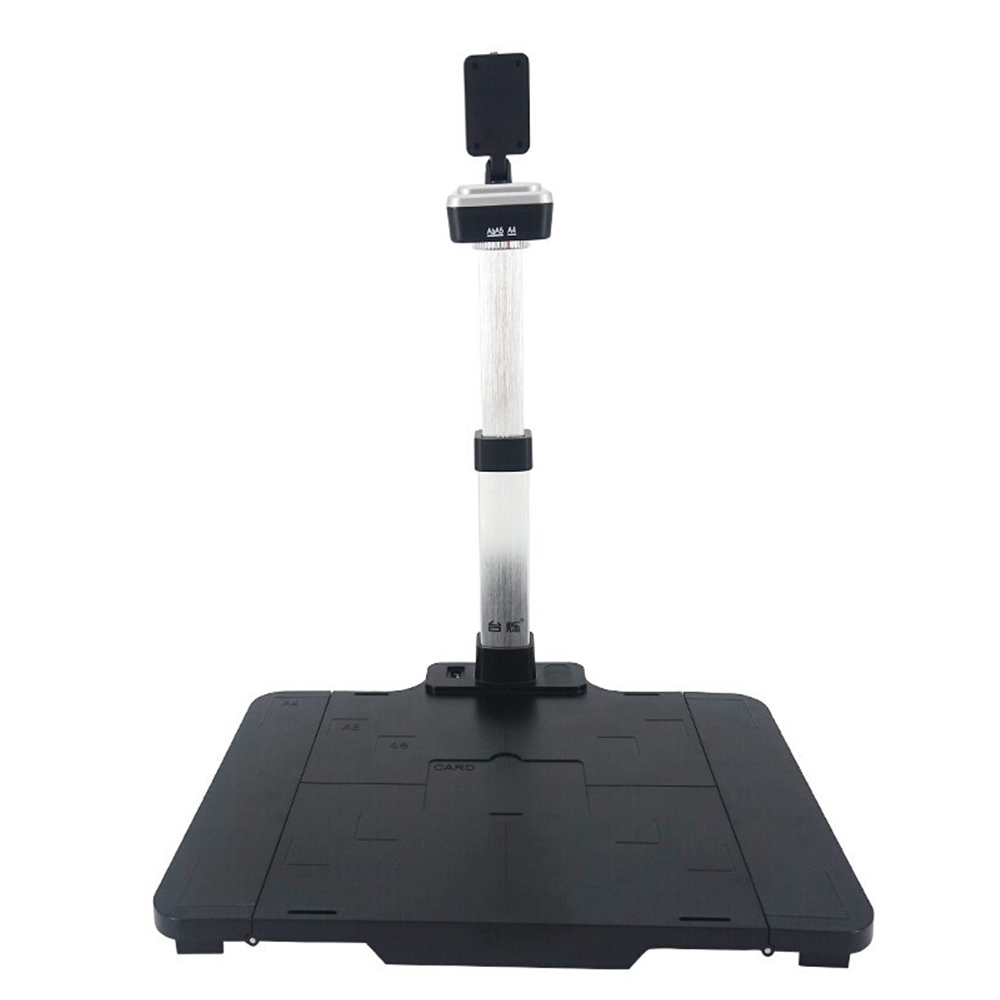
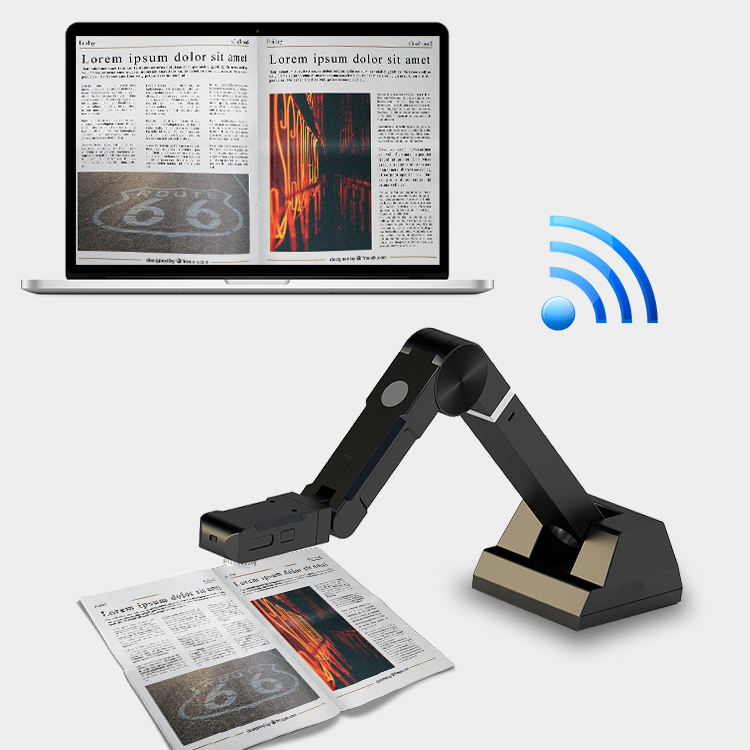
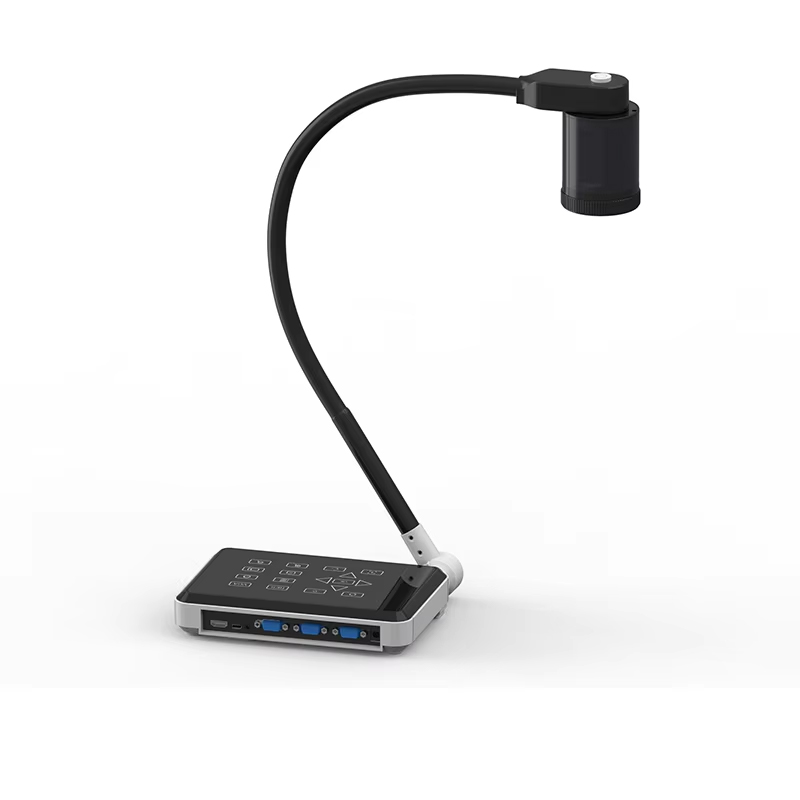
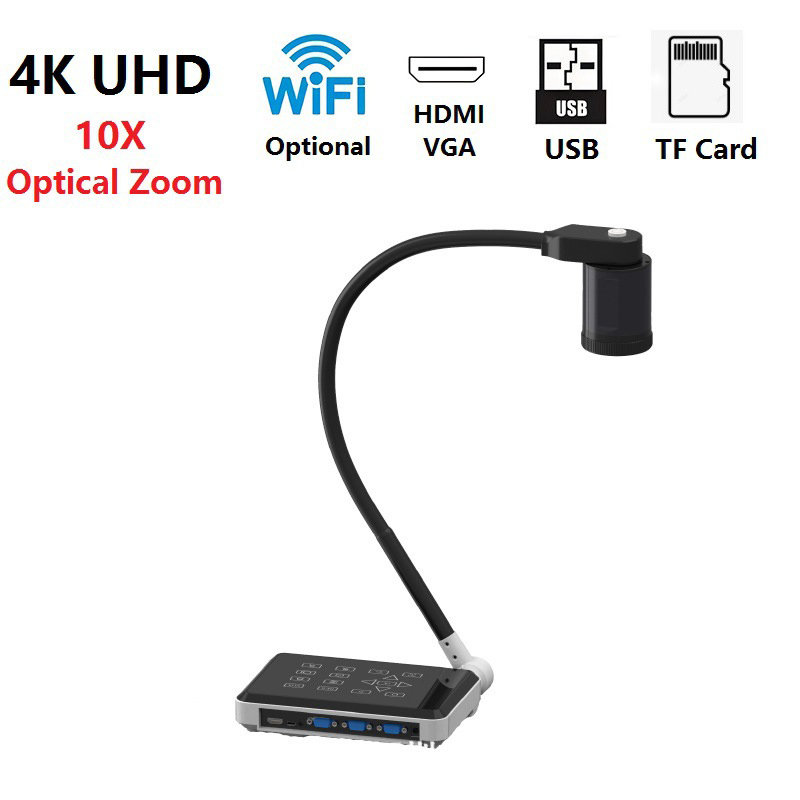
It is suitable for capturing documents, books, pages, and other flat or bound materials. For the best results, keep the material centered under the camera and use stable, even lighting.
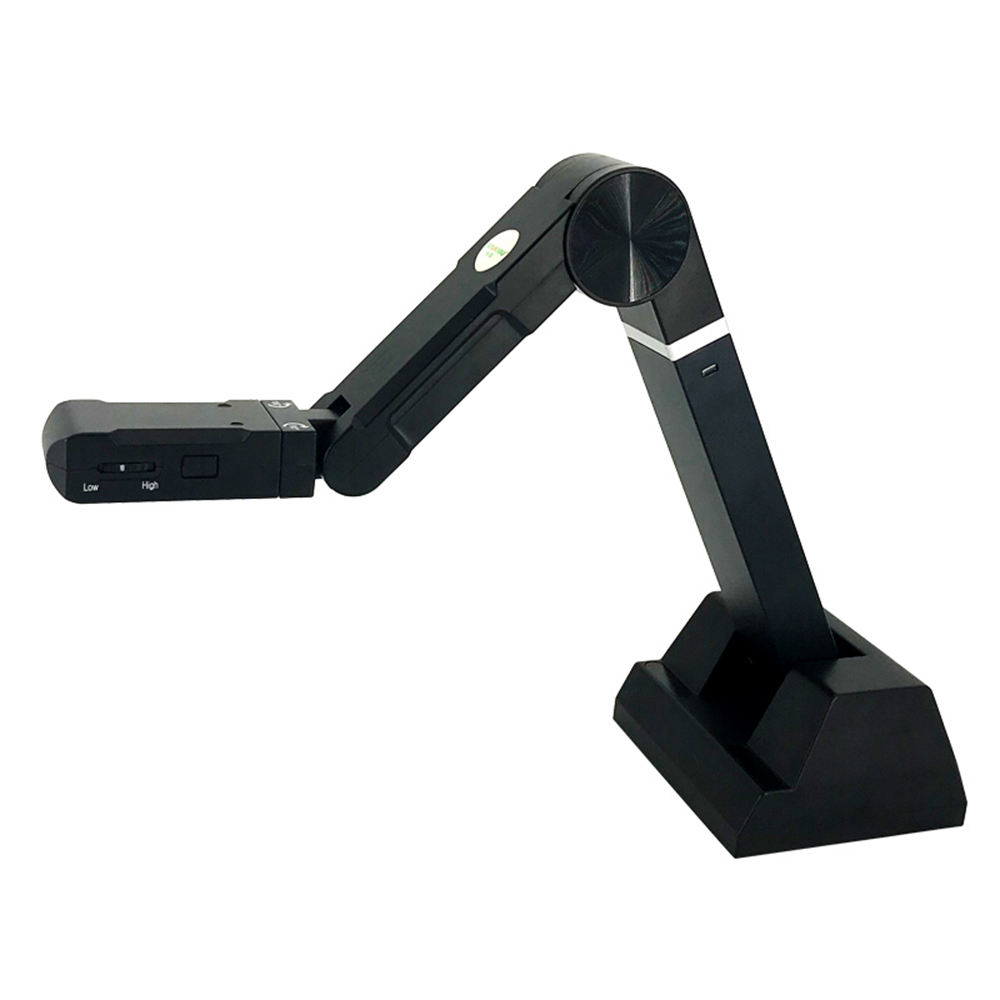
It is designed for A4 book scanning and A3 document camera use. Make sure the page fits within the camera field of view and adjust the height or position as needed.
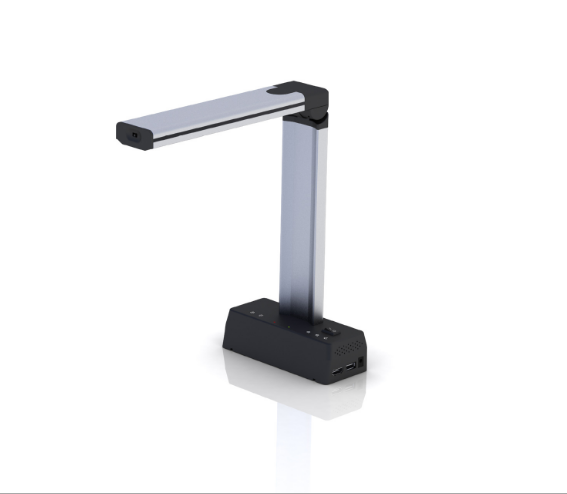
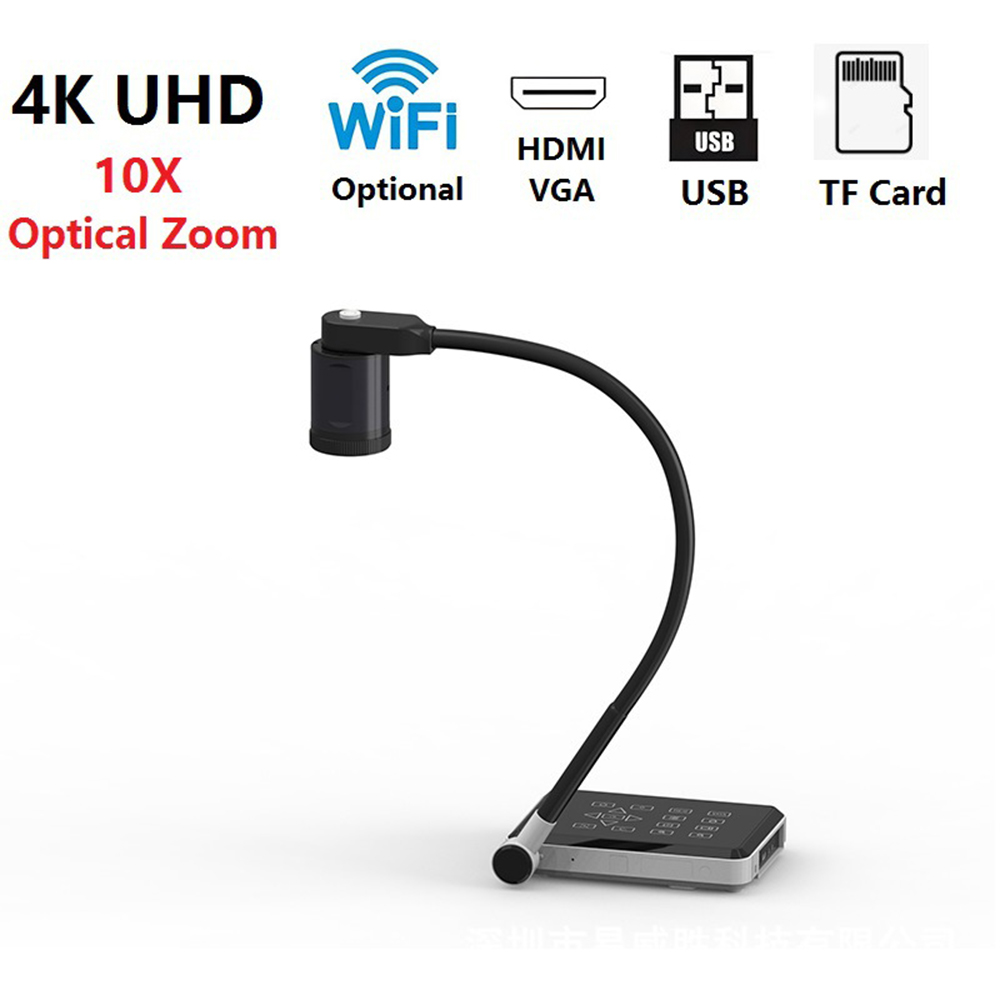
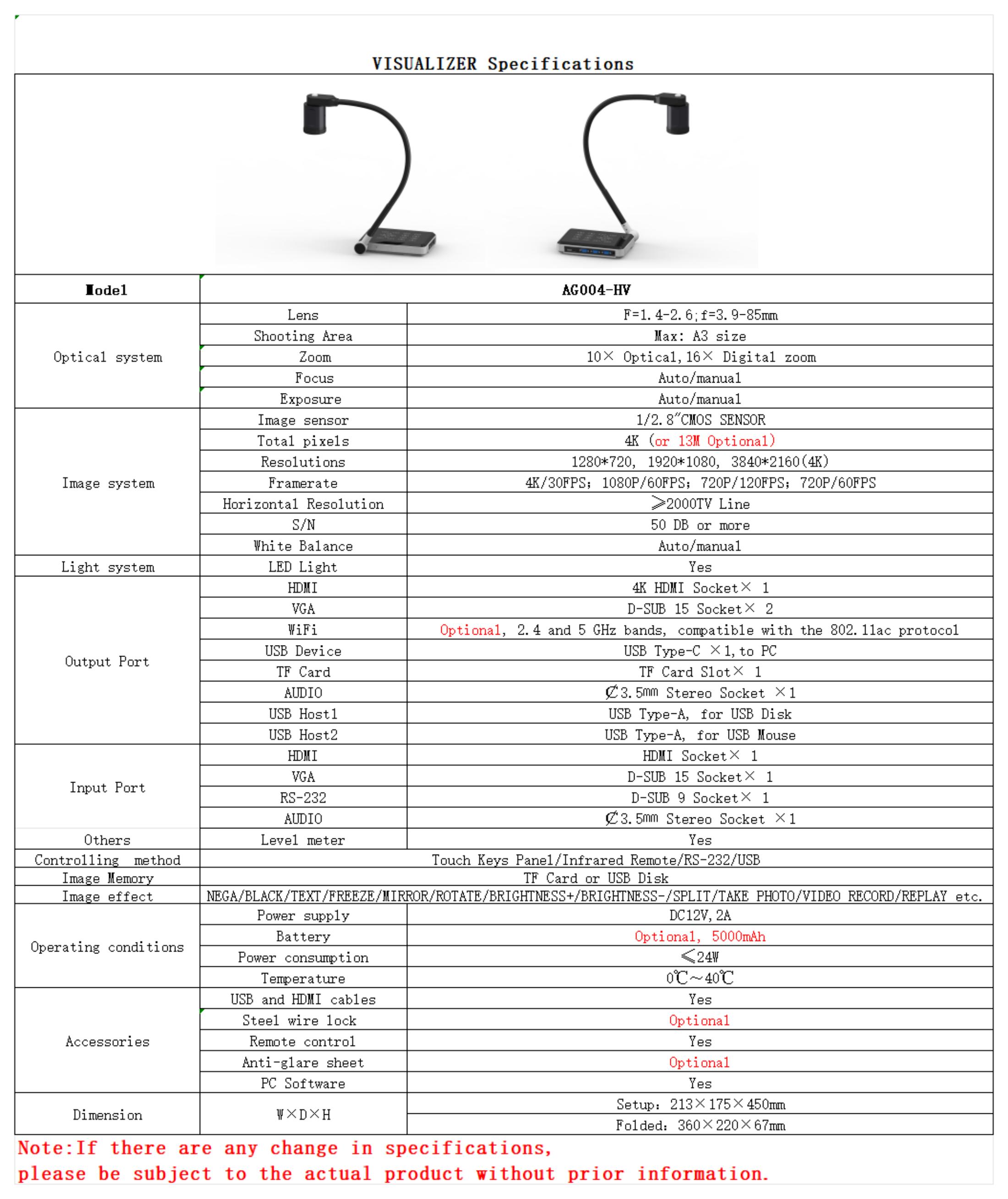
It connects via USB. Plug the USB cable into a compatible computer, then open the recommended scanning or document management software to capture and save your images.
Yes. It is intended for book and document capture. Flatten pages as much as safely possible, and adjust the lighting to reduce glare and shadows near the binding.
It is designed for document camera scanning with automatic management support. Use the recommended or compatible software to capture, organize, and export scanned files according to your workflow.
Use even lighting, avoid direct reflections, keep the camera steady, center the material, and clean the lens before scanning. For fine text, use the highest resolution supported by your setup.