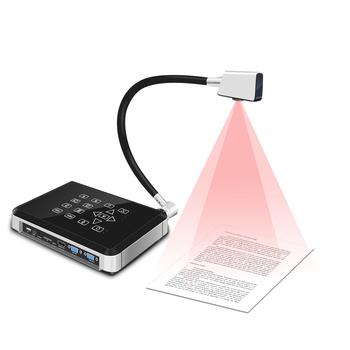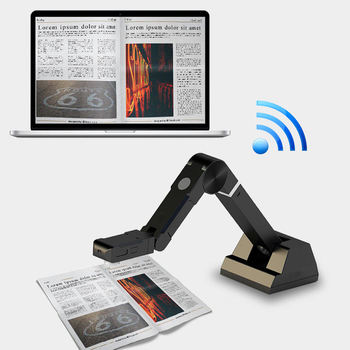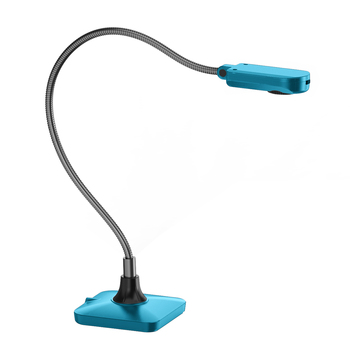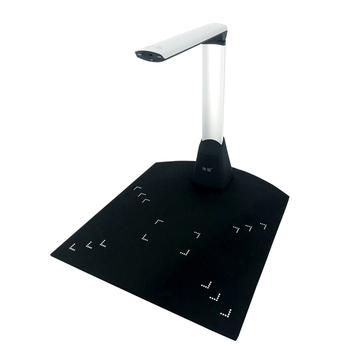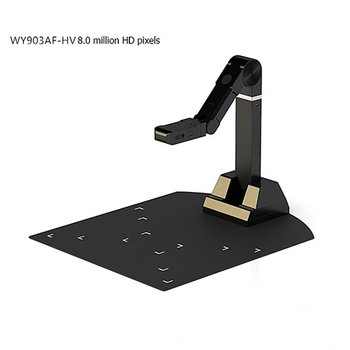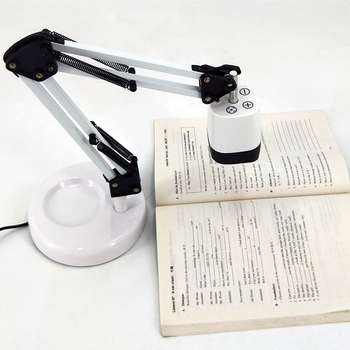
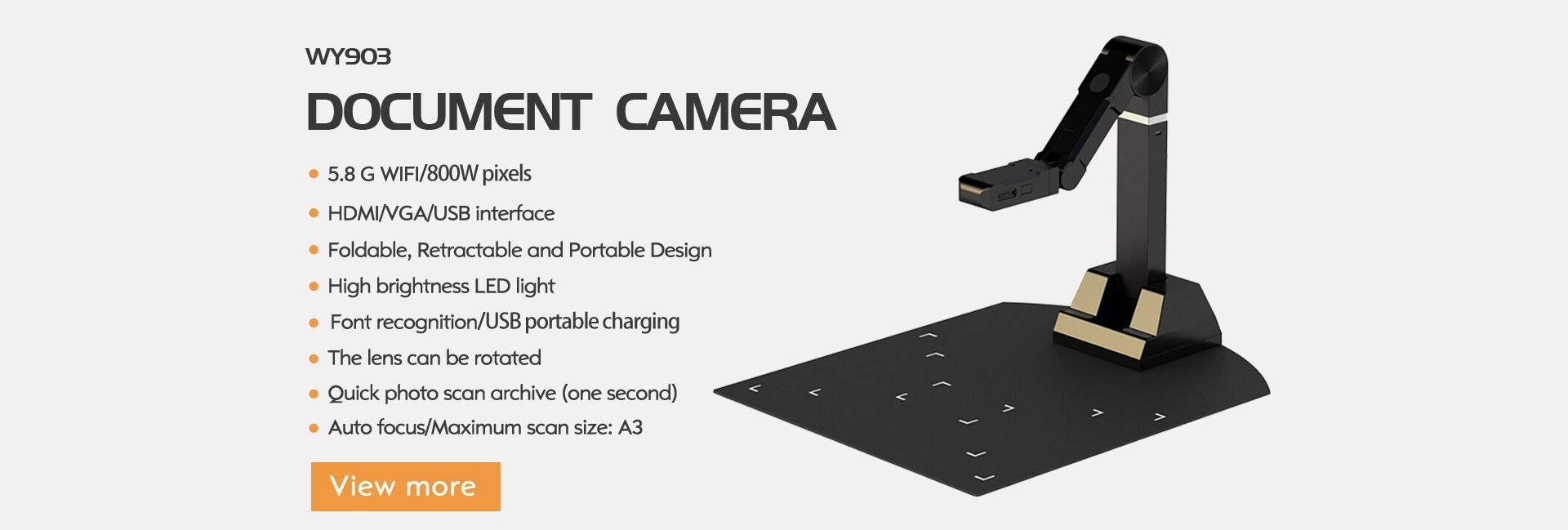
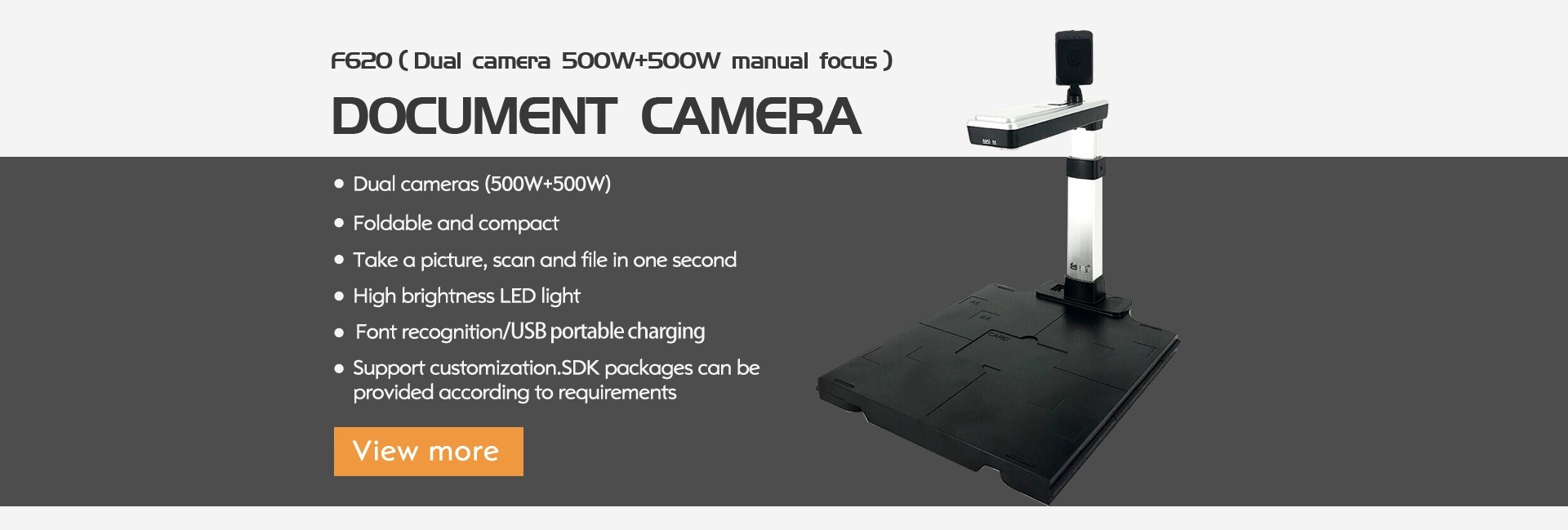
A wireless document camera visualizer for remote teaching is no longer a peripheral add-on. It is the bridge between the physical desk and the digital classroom. Teachers use it to show a textbook page, solve a math problem, demonstrate a science experiment, review handwriting, annotate a worksheet or compare two documents side by side. Students may be in the room, at home, in another campus or learning asynchronously. The visualizer must deliver a clear, stable image to all of them without slowing down the lesson.
For procurement teams, the category is moving from "a camera on an arm" to a managed teaching endpoint. The best systems combine a high-resolution sensor, fast autofocus, flexible zoom, stable wireless casting and software that works with Zoom, Microsoft Teams, Google Meet and learning management systems. That is why the buying decision now involves IT, academic teams, facilities and finance, not only the audiovisual department.
Google's Search Quality Rater Guidelines reward content that demonstrates first-hand product knowledge, clear sourcing and real-world usefulness. This guide is written from the perspective of a manufacturer that has supplied imaging hardware since 2012. Shenzhen Eshuni Technology Co., Ltd. builds document cameras, visualizers, webcams, book scanners and identity-verification devices for education, government, finance, insurance, telecommunications and enterprise buyers. The goal is to help global buyers ask better questions before they issue a purchase order.
What remote-teaching buyers should compare
- Sensor and lens: 8MP is practical for A4 documents and everyday demonstrations; 13MP gives more headroom for A3 pages, fine print, technical drawings and archival capture.
- Wireless band: 5.8GHz is often less congested than 2.4GHz in schools with many connected devices, but the room layout and Wi-Fi environment still matter. Always keep USB as a fallback.
- Capture area and arm design: A3 models support full spreads, maps and large worksheets. Portable foldable arms suit teachers who move between rooms.
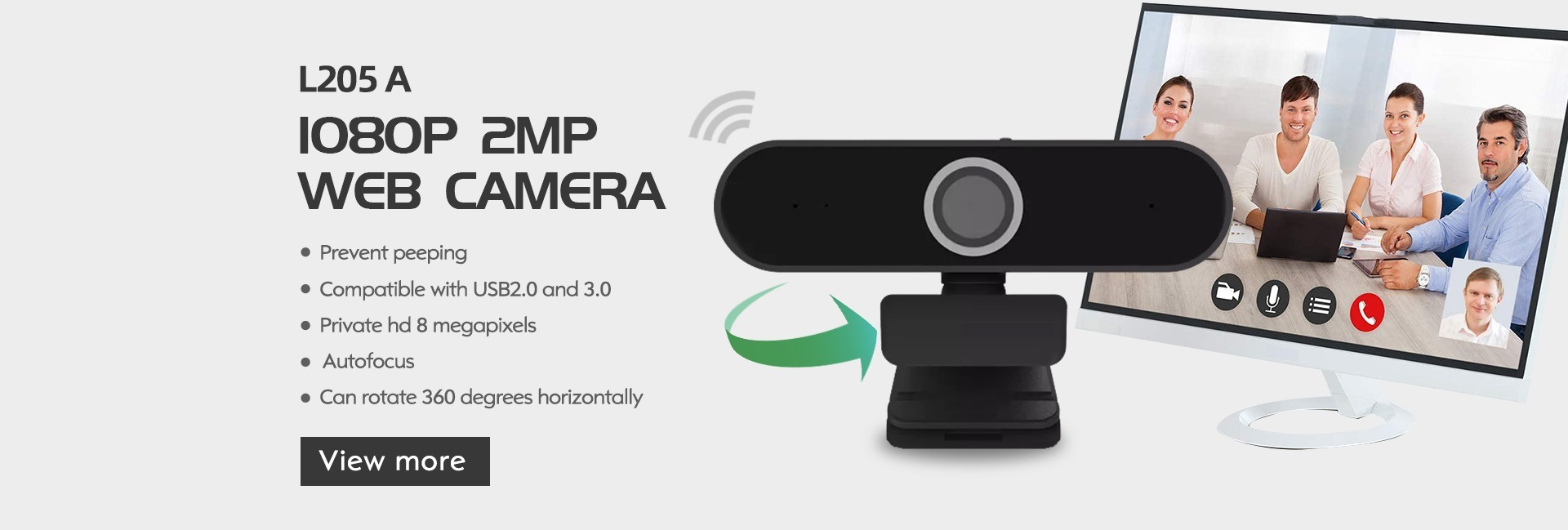
- Software compatibility: UVC output is valuable because it reduces driver installation and helps the device work with common conferencing tools.
- Autofocus and low-light performance: Lessons do not stop for a camera to hunt for focus. Fast autofocus and noise reduction matter more than a spec sheet alone suggests.
- Service and documentation: Buyer manuals, firmware updates, spare parts and warranty support protect the total cost of ownership.
The strongest programs do not buy a single "best" model. They match the visualizer to the teaching style. A primary school may need a simple USB unit with clear A4 capture. A secondary school may standardize on 5.8GHz wireless for room-to-room flexibility. A university or training center may require 13MP A3 clarity, HDMI output and long cable runs. A distributor may need one platform that can be localized with different labels, packaging and accessories.