In-House R&D
14+ years focused on document cameras, visualizers and camera modules.
Certified Quality
ISO9001 factory; CE, FCC, RoHS and 3C product documentation.
OEM / ODM
Private label, packaging, product settings and project-specific design support.
Export Support
FOB, EXW and DDP discussions; regular shipments to five export regions.
Why a Wireless Document Camera Visualizer Matters for Nagoya Remote Teaching
Searching for a wireless document camera visualizer for remote teaching Factory & Exporter serving Nagoya usually means the buyer needs more than a product photo. The project needs a reliable overhead view, a practical connection method and a supplier who understands education and public-sector procurement.
Remote teaching in Nagoya is no longer an emergency workaround. Universities, municipal training centers, international schools, cram schools and manufacturing companies now run a normal mix of in-person lessons, live remote participation and recorded sessions. That change exposes a common weakness in standard video-conferencing hardware: a front-facing webcam shows the teacher, not the open textbook, handwritten calculation, science demonstration or paper form that the class is discussing.
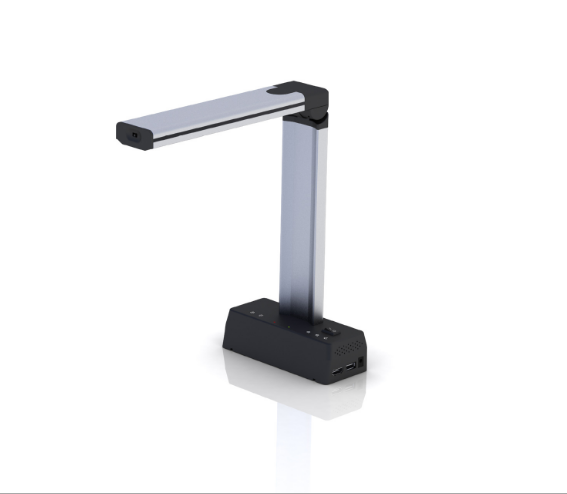
A wireless document camera visualizer solves that visual problem by placing an overhead camera above the desk and streaming a stable image into Microsoft Teams, Zoom, Google Meet or a learning management system. The teacher can turn a page, point to a diagram, write an annotation or show a small component without rebuilding the camera position.
For a Nagoya procurement team, the decision should be based on four variables: the capture area, the need to move around the room, the level of fine detail required, and the supplier’s ability to support repeat orders, documentation and OEM labeling. This guide addresses those variables with specific product recommendations, localized use cases and factory information that a school, distributor or systems integrator can verify.
- A3 or A4 capture requirement
- USB or 5.8G wireless connection
- Autofocus, lighting and latency
- OEM/ODM and export support
Localized Remote Teaching Use Cases in Nagoya
Nagoya and the wider Aichi Prefecture combine a large student population, a dense public-sector network and one of Japan’s most important manufacturing clusters. That mix creates different visualizer requirements from room to room.
University lectures and seminars
Show printed papers, equations, lab notebooks and small apparatus. A 13MP A3 visualizer gives enough detail for students to read after digital zoom; fixed rooms usually prefer USB, while shared seminar rooms benefit from 5.8G wireless.
K–12 hybrid classrooms
Teachers switch between face-to-camera explanation and a textbook or worksheet. A 2-in-1 webcam/document camera or portable visualizer reduces setup time, while autofocus keeps text sharp as the page moves.
Cram schools and language tutoring
Small text, quick annotation and repetitive page changes make low-latency capture more important than maximum resolution. An 8MP A4/A3 model is often the practical balance for compact teaching desks.
Municipal and board of education training
Printed guidance, maps and forms need to be shown clearly to on-site and remote participants. USB plug-and-play reduces IT support, and A4/A3 coverage supports multi-page handouts.
Manufacturing and quality training
Aichi’s manufacturing base needs drawing, component and inspection-sample capture. A 48MP USB3.0 scanner or high-resolution visualizer is appropriate when fine print and surface detail must survive zooming.
Libraries and records teams
Bound books, fragile paper and archival pages require an overhead book-scanner approach. Keep the light adjustable, avoid physical pressure, and choose resolution based on OCR and archival requirements.
Localized Trends Shaping Visualizer Demand in Nagoya
Buyers in Nagoya are not simply replacing webcams. They are fitting document capture into established classroom technology, public-sector document workflows and OEM product development.
Hybrid lessons are standard procurement scope
Schools no longer buy a document camera only for distance learning. They expect it to work with the classroom display, the teacher’s laptop and a remote platform. USB visualizers and 5.8G wireless models both matter in tenders.
Paper still matters in teaching
Digital textbooks have grown, but worksheets, entrance-exam papers and handwritten work remain central. Overhead capture avoids pre-scanning every page and keeps the teacher’s explanation visible.
Public offices want controlled digitization
Municipal and education offices need to capture forms and explain documents on screen. Buyers should confirm where images are processed and whether recording is enabled by default before deploying any camera.
OEM module demand from Aichi integrators
Some buyers do not need a finished visualizer. They need 1080p/2K/4K modules or low-light CMOS cameras for kiosks, training devices, edge AI hardware and wearable prototypes.
Data visualization: sensor resolution by product class
Sensor megapixels are shown for planning only. Lens quality, autofocus, lighting, compression and the software platform also determine what students actually see.
Eight Document Camera & Camera Module Products for Remote Teaching Projects
The products below cover complete visualizers, book scanners and OEM camera modules. Product URLs are preserved so your technical team can request specifications, samples and customization notes directly.
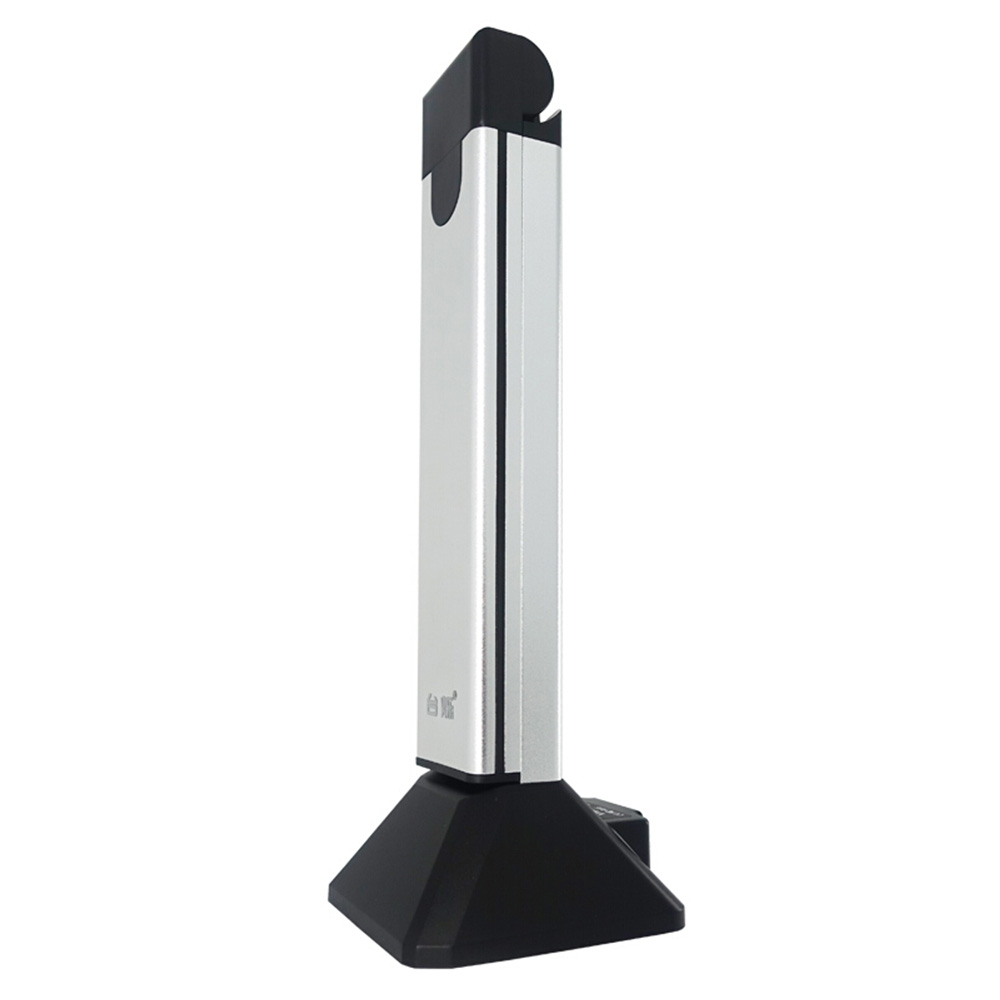
Document camera page camera high speed page scanner for online educational equipment
A high-speed document camera scanner for online education, suitable for frequent page changes, printed handouts and live lesson capture in fixed teaching rooms.
View product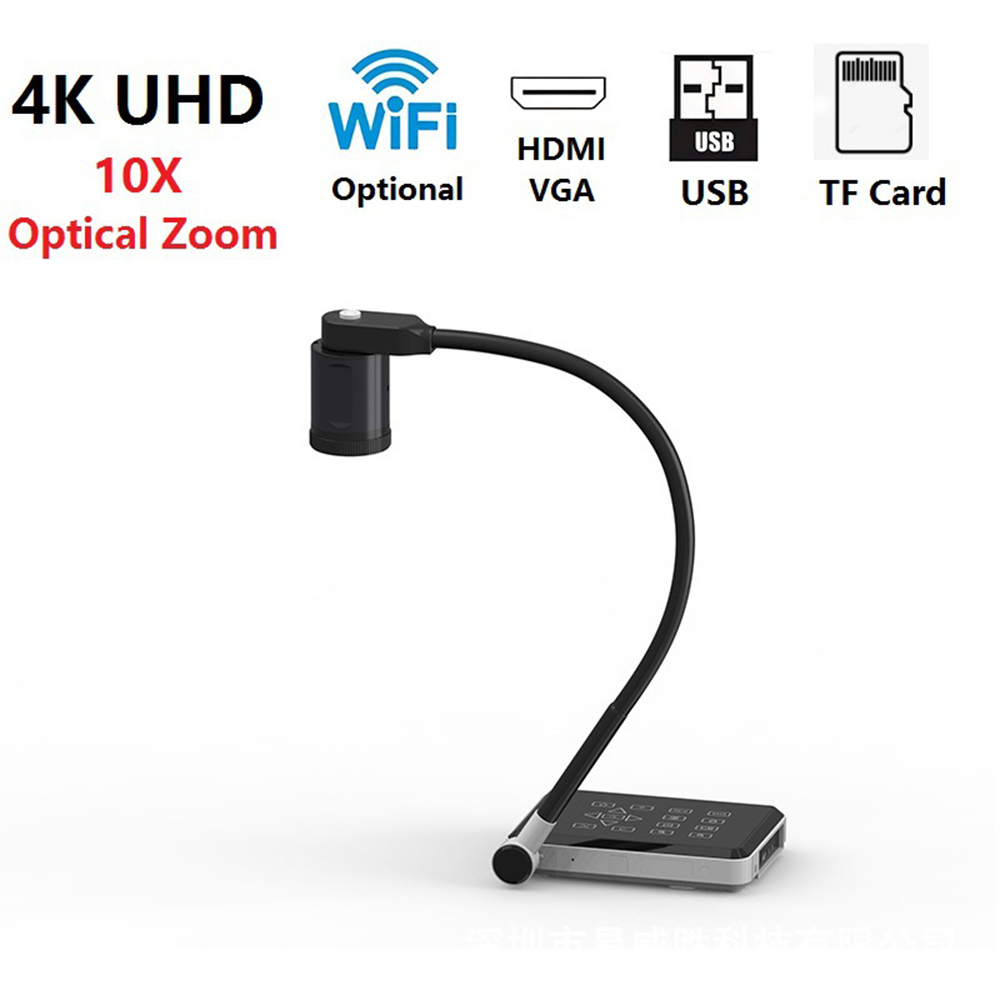
Visualized Handheld Hd Usb A4 Book Scanner A3 Automatic Management Document Camera Scanner
A handheld HD USB A4 book scanner with A3 capture options for document management, classroom reading and office desk use.
View product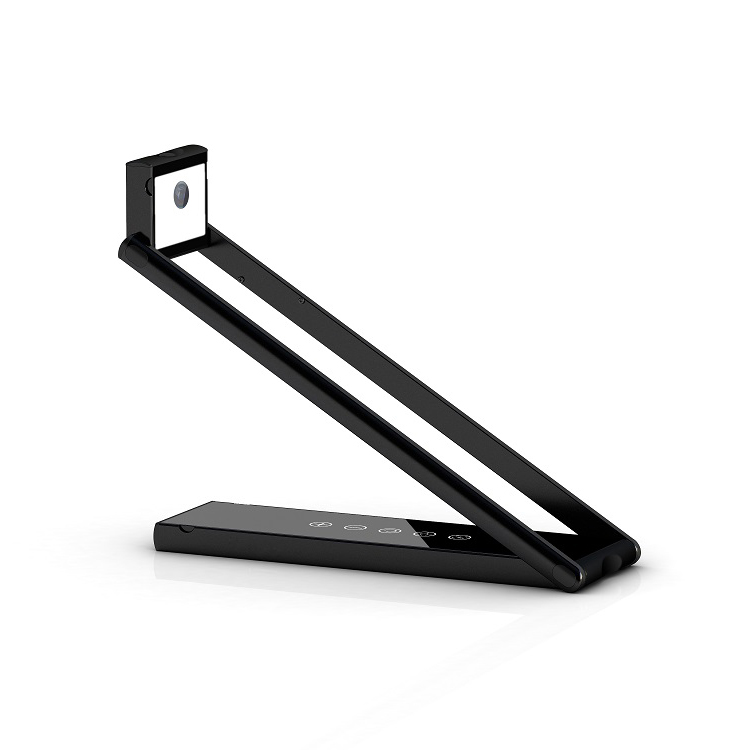
Education Equipment Visual Presenter Document Camera Scanner Scanning A3 Book and Paper
An education visual presenter that scans A3 books and loose paper for classroom explanation or remote sharing.
View product
WIFI document camera visualizer wireless 5.8G WIFI OEM ODM Document scanner for education or office
A 5.8G wireless document camera visualizer offered for OEM/ODM projects, suited to teachers who need cable-free movement and stable live image transmission.
View product
HD Camera Portable Visualizer Presenter Document Camera for Presentation Equipment Book Camera
A portable HD visualizer/presenter for shared classrooms, tutoring rooms and traveling teachers who need fast setup and book-camera capture.
View product
Document Camera Scanner 48MP Usb3.0 Autofocus A3 A4 Office Scanning and Classroom Visualizer
A 48MP USB3.0 autofocus document camera scanner for A3/A4 office scanning and classroom visualization where fine detail must remain legible.
View product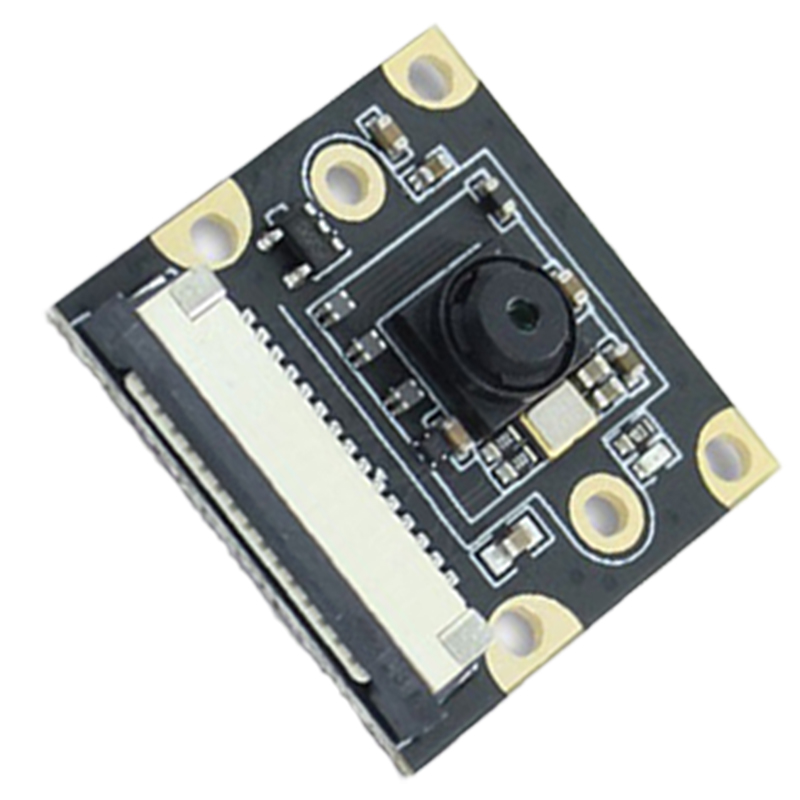
1080p/2K/4K camera module Nvidia development board sensor adjustable focal length webcam camera module
An adjustable-focus 1080p/2K/4K camera module for NVIDIA development boards and OEM imaging projects, useful for device builders rather than as a standalone visualizer.
View product
CMOS sensor 1080P 30fps USB2.0 camera module monocular wide dynamic range camera module with ultra-low light performance
A 1080P 30fps USB2.0 CMOS camera module with ultra-low-light and wide dynamic range performance for embedded vision, kiosks and custom hardware.
View productNeed help matching a model to a Nagoya classroom, tender or private-label program?
Contact UsProduct Recommendation by Nagoya Remote Teaching Scenario
Use this matrix to narrow the shortlist before requesting samples. The best device depends on room layout, subject matter, teacher movement and the video platform used by the school.
| Nagoya scenario | Recommended configuration | Why it fits | Product to review |
|---|---|---|---|
| Fixed university lecture room | High-speed USB document camera, 8MP–13MP, A3/A4 | Stable power, simple IT support and clear capture of printed handouts and equations. | High-speed education scanner or A3 visual presenter |
| Teacher moves between whiteboard and desk | 5.8G wireless visualizer, 8MP+, A3/A4 | Cable-free placement and less network congestion than common 2.4GHz environments, subject to Japanese radio approval. | 5.8G WiFi document camera visualizer |
| Traveling teacher or shared small room | Portable HD visualizer, A4 book capture | Fast setup between rooms and simple overhead presentation for tutoring or small-group lessons. | Portable HD visualizer presenter |
| Fine drawings, archival detail or inspection training | 48MP USB3.0 autofocus scanner, A3/A4 | Higher pixel headroom for digital zoom, printed detail and document management workflows. | 48MP USB3.0 autofocus scanner |
| OEM device or kiosk integration | Adjustable-focus 1080p/2K/4K module or low-light 1080p USB2.0 module | For Aichi technology companies building custom hardware rather than buying a finished visualizer. | 4K adjustable-focus module or low-light CMOS module |
For tenders, combine the shortlist with a sample test using the actual lesson platform, lighting conditions and page sizes used in Nagoya.
Selection Notes for Nagoya Schools, Distributors and Integrators
These four notes are the practical checks our team recommends before a document camera visualizer is approved for a classroom, public office or OEM project.
Resolution must match capture area
An 8MP sensor is usually sufficient for A4 worksheets, textbook pages and normal remote teaching where the frame is not heavily zoomed. Choose 13MP or higher when the camera must cover a full A3 sheet, read fine print, show engineering drawings or keep small handwriting legible after digital zoom. Lens quality, autofocus speed and lighting also affect clarity.
USB versus 5.8G wireless
USB models are plug-and-play and draw power from the computer, making them ideal for fixed desks, counters and lecture rooms. A 5.8G wireless model lets teachers move freely and is often less congested than 2.4GHz, but Nagoya buyers must confirm Japanese Radio Law requirements for the exact radio module before deployment.
Autofocus, lighting and latency
Remote teaching is dynamic: pages move, hands enter the frame and teachers zoom into a diagram. Test autofocus speed, LED glare on glossy paper and handwriting latency with the actual video platform. A high-resolution camera with slow focus can feel worse to students than a lower-resolution model with a stable live image.
Power, Japan compliance and documents
Specify plug type, input voltage and whether the product uses an external AC adapter. Confirm PSE scope, radio approval and customs requirements with the importer. CE, FCC and RoHS documents support the project, but they do not automatically replace Japan-specific market access checks. USB-powered models can reduce adapter complexity.
What Nagoya Buyers Can Verify About Eshuni
Shenzhen Eshuni Technology Co., Ltd. has focused on information-capture and identity-verification hardware since 2012. For a Nagoya project, the value is not only the camera specification — it is the ability to repeat production, customize a model and support the documentation expected by importers and institutions.
Our factory operates an ISO9001 quality management system, and our products carry CE, FCC, RoHS and China 3C certifications. Hardware and software are developed in-house and protected by national patents. ERP-driven production and supply-chain management help keep quality consistent and lead times predictable for repeat orders.
We provide OEM manufacturing, product design services and buyer-label production. Our in-house R&D team supports three levels of technical support: product design, project design and on-site project application. That structure is useful for Nagoya distributors who need a standard visualizer quickly, as well as for integrators who need a customized housing, packaging or camera module.
We discuss FOB, EXW and DDP delivery terms and regularly ship to North America, South America, Western Europe, South Asia and Africa. For Nagoya projects, sea freight to Nagoya Port or air cargo via Chubu Centrair International Airport can be planned with the buyer’s forwarder. Final routing, duties and Japan-specific compliance are confirmed with the importer or freight forwarder.
- Company profile and trade capacity
- Transaction level and trade history
- Credit index and buyer feedback
- OEM/ODM and private-label support
Questions Local Buyers Ask Before Ordering
These are the practical questions that come up when a Nagoya school, distributor, municipal office or systems integrator evaluates a wireless document camera visualizer for remote teaching.
Do you ship document cameras to Nagoya, and which trade terms can you support?
Can a 5.8G wireless visualizer be used in Japan without additional approval?
Should a Nagoya school choose an 8MP or 13MP document camera?
Which model is best for A3 textbooks, science demonstrations and handwritten work?
Can we order samples before a volume order or public tender?
What OEM and ODM options are available?
Which certifications and quality documents are available?
How should we handle power plugs, manuals and Japanese documentation?
Request a Nagoya-Ready Wireless Visualizer Recommendation
Share your classroom size, subject, target video platform, annual quantity, preferred Incoterm and whether 5.8G wireless approval is required. We will respond with a shortlist, available certification documents and OEM options for your Nagoya project.